Last Updated on October 2, 2026
Are you having trouble with your Cuisinart bread maker? It can be frustrating when your machine doesn’t work as expected, especially when you’re ready to bake fresh bread.
But don’t worry—you’re not alone, and many common problems have simple fixes. You’ll discover easy troubleshooting tips that can get your bread maker back to perfect baking in no time. Keep reading, and you’ll learn how to solve those annoying issues quickly, so you can enjoy homemade bread without the hassle.

Credit: www.amazon.com
Common Bread Maker Issues
Common issues with Cuisinart bread makers can disrupt your baking routine. These problems often cause frustration but are usually easy to fix. Understanding typical faults helps you solve them quickly. This section covers four frequent problems and their basic solutions.
Machine Won’t Start
The bread maker may not start due to power issues. Check if the appliance is plugged in securely. Confirm the outlet works by testing another device. The lid must be closed properly for the machine to run. A safety switch inside may prevent startup if the lid is open. Reset the machine by unplugging it for a few minutes, then plug it back in.
Uneven Baking
Uneven baking causes some parts of the bread to cook more than others. Make sure the paddle is attached correctly to mix ingredients evenly. Use the right flour amount and type for your recipe. Avoid opening the lid during baking, as this changes the temperature. Clean the heating element and interior regularly to maintain even heat.
Dough Not Rising
Dough may fail to rise due to inactive yeast or wrong ingredient measurements. Check the yeast expiration date before use. Use warm water, not hot, to activate yeast properly. Measure ingredients accurately, especially salt and sugar, since they affect yeast action. Keep the room temperature warm to help the dough rise well.
Buttons Not Responding
Non-responsive buttons can make it hard to select settings. Clean the control panel gently with a soft cloth to remove dirt. Avoid pressing buttons too hard to prevent damage. If the problem continues, reset the machine by unplugging it for a few minutes. Persistent issues may require professional service.
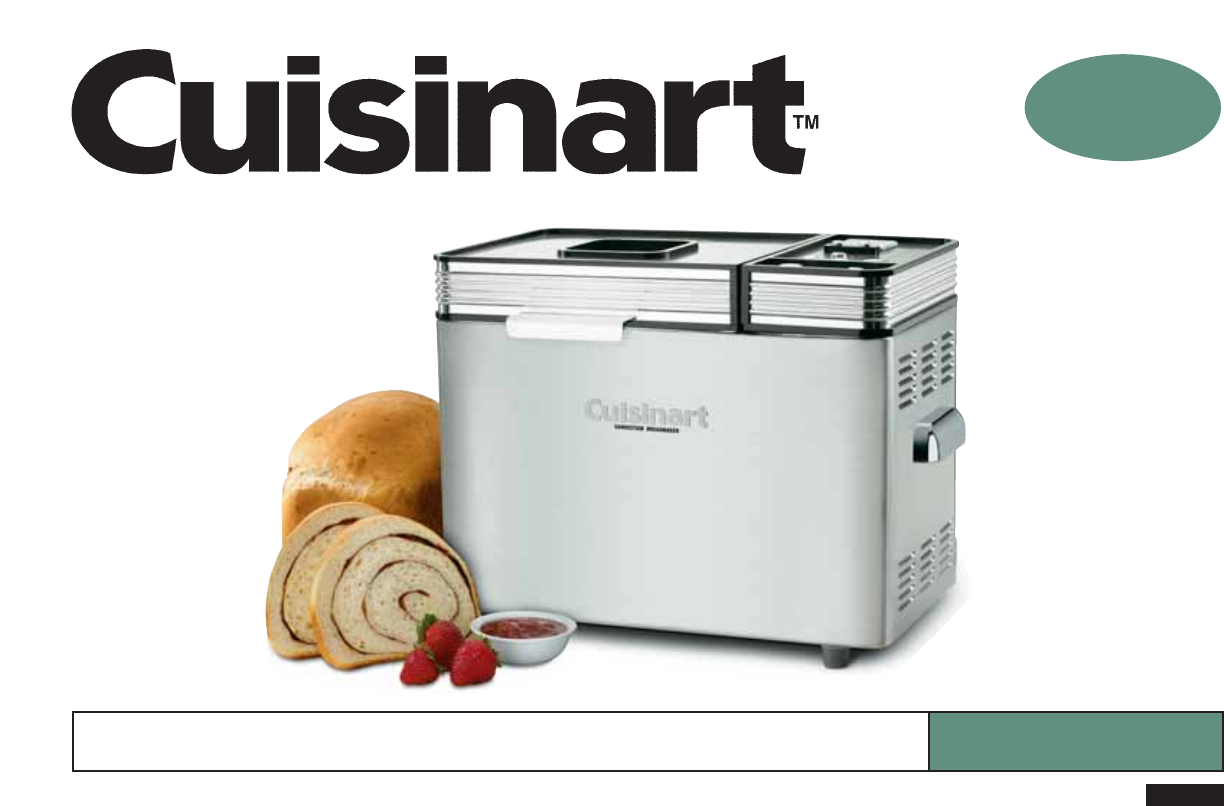
Credit: cuisinart.manymanuals.com
Fixes For Power And Start Problems
Power and start problems can stop your Cuisinart bread maker from working properly. These issues often have simple solutions. Fixing them can save time and avoid frustration. Below are easy steps to help you get your machine running again.
Checking Power Supply
First, check the power source. Make sure the outlet works by plugging in another device. Confirm the bread maker’s power cord is firmly connected. Avoid using extension cords as they may cause issues. A steady power flow is key to starting the machine.
Resetting The Machine
Try resetting the bread maker. Unplug it from the outlet. Wait for about five minutes to clear any errors. Plug the machine back in and press the start button. This simple reset can fix minor electronic glitches.
Inspecting The Lid And Door
Check if the lid or door is properly closed. The bread maker won’t start if the lid is open. Look for any blockages or debris around the lid. Clean and close it firmly. A secure lid ensures safe operation and proper function.
Improving Dough And Texture
Improving the dough and texture of your bread in a Cuisinart bread maker can make a big difference. Soft, well-risen bread starts with good dough. Small changes help fix common problems like dense or dry bread. Focus on key factors like ingredient amounts, yeast quality, and water temperature. These details affect how the dough forms and bakes.
Adjusting Ingredient Measurements
Accurate ingredient amounts are crucial for good dough. Too much flour can make bread hard and dry. Too little flour causes sticky, wet dough. Use a kitchen scale or measuring cups carefully. Check your recipe and adjust flour and liquid slowly. Small changes can improve dough texture and rise.
Using Fresh Yeast
Fresh yeast helps dough rise better and gives soft texture. Old or expired yeast makes bread dense and flat. Store yeast in a cool, dry place. Check the expiration date before use. Using fresh yeast improves the dough’s rise and the bread’s flavor.
Correcting Water Temperature
Water temperature affects yeast activity and dough rise. Too hot water kills yeast. Too cold water slows yeast down. Use water between 105°F and 115°F (40°C to 46°C) for best results. Test water with a thermometer or your finger. Proper water temperature helps dough rise well and makes soft bread.
Solving Baking And Crust Issues
Baking and crust problems are common with bread makers. These issues can ruin your perfect loaf. Small fixes can improve your bread’s texture and taste. Understanding how to adjust settings helps solve these problems quickly.
Many users face undercooked bread or crust that is too hard or soft. These problems often relate to baking time, crust settings, or cleanliness of the machine. Adjusting these factors can give better results.
Modifying Baking Time
Adjust the baking time to control how well the bread cooks. Longer baking can fix dough that feels wet inside. Shorter time helps avoid dry, hard bread. Check your bread during the last minutes to decide if more time is needed. Use the manual mode if your model has it. This lets you set exact baking lengths.
Changing Crust Settings
Most Cuisinart bread makers let you pick crust colors. Choose light, medium, or dark crust options. If the crust is too thick or burned, select a lighter setting. For soft crust, pick a lighter or medium option. Experiment with crust settings to find what you like best. Small changes make a big difference in texture and taste.
Cleaning Heating Elements
Heating elements can collect dust and crumbs. This affects how evenly your bread bakes. Clean the heating parts carefully after every few uses. Use a soft brush or cloth to remove buildup. Avoid water on electrical parts. Clean elements help the bread maker heat correctly and bake better bread every time.
Maintenance Tips
Proper maintenance keeps your Cuisinart bread maker working well. It helps avoid common problems and extends the machine’s life. Follow simple steps to care for your bread maker. These tips make baking easier and more enjoyable.
Regular Cleaning
Clean the bread pan and kneading paddle after each use. Use warm, soapy water and a soft cloth. Avoid harsh cleaners or abrasive pads that can damage surfaces. Wipe the machine’s exterior with a damp cloth. Keep the vent and lid clean to prevent blockages.
Lubricating Moving Parts
Check the kneading blade and shaft for smooth movement. Apply a small amount of food-safe lubricant if parts feel stiff. Do not over-lubricate, as excess oil can attract dust. Regular lubrication prevents wear and keeps the machine quiet.
Replacing Worn Components
Inspect the kneading paddle and bread pan for signs of wear. Replace parts that are cracked or heavily scratched. Use original replacement parts for best fit and performance. Timely replacement avoids damage to other machine parts.
Credit: www.cuisinart.ca
When To Contact Support
Knowing when to contact support for your Cuisinart bread maker saves time and stress. Some problems need expert help. Others you can fix yourself.
Contact support if your bread maker stops working or shows error codes. Strange noises or smells also mean you should call. Don’t try to fix electrical or mechanical parts alone.
Identifying Warranty Coverage
Check your bread maker’s warranty before calling support. Warranties cover repairs for a set time after purchase. Look for what parts and problems are included. This helps avoid extra costs. Keep your purchase receipt and warranty paper ready.
Finding Authorized Service Centers
Use only authorized service centers for repairs. They have trained technicians and original parts. Visit the Cuisinart website or call support to find centers near you. Using unauthorized repair shops may void your warranty.
Preparing For Repairs
Before sending your bread maker for repair, clean it well. Remove any bread crumbs or dough. Pack it safely to avoid damage during shipping. Write down the problem clearly. Include your contact and purchase information. This helps the repair team work faster.
Frequently Asked Questions
Why Is My Cuisinart Bread Maker Not Mixing Properly?
Your bread maker may have incorrect ingredient placement or low yeast quality. Check measurements and ensure yeast is fresh. Also, verify the kneading paddle is properly attached and not obstructed.
How To Fix Cuisinart Bread Maker Not Baking Fully?
Incomplete baking could be due to incorrect settings or power interruptions. Confirm the baking mode and loaf size. Avoid opening the lid during baking, as it can affect the temperature and result.
What Causes Cuisinart Bread Maker To Stop Mid-cycle?
Power outages or loose connections often cause stoppages. Inspect the power cord and outlet. If the problem persists, reset the machine or consult the user manual for error codes.
How To Clean And Maintain Cuisinart Bread Maker?
Clean the baking pan and paddle after each use with warm soapy water. Avoid immersing the machine in water. Regularly check and tighten any loose parts to ensure smooth operation.
Conclusion
Troubles with your Cuisinart bread maker do not have to ruin baking. Simple checks can fix most problems quickly. Keep your machine clean and follow the recipe steps carefully. Use the right ingredients and measure them well. Small issues often come from common mistakes.
Patience helps when troubleshooting your bread maker. Baking fresh bread can stay a joy with these tips. Keep trying, and your bread will turn out great every time.